Teachme Biz has a feature that allows you to specify accessible network environments and devices.
If you see a message like the ones below, access is being restricted by that feature.
Messages Displayed and How to Resolve Them
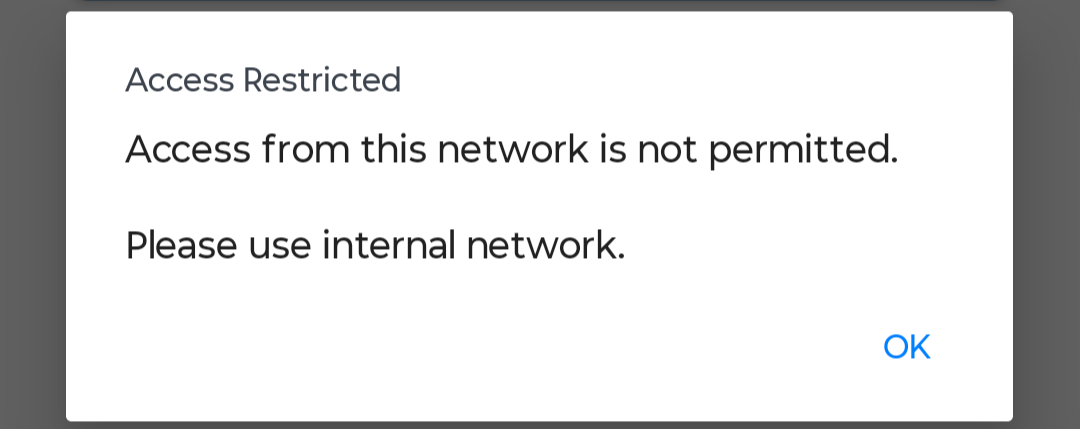
"Access restricted by IP address..." is displayed

Cause
- You are accessing from a network that is not permitted due to the group IP restriction.
How to Resolve
-
Connect to a permitted network
Please check with your company's group administrator or sub-administrator to find out which networks are permitted.
▼ About access restrictions by global IP address
https://help.teachme.jp/hc/en-us/articles/900005508766
-
Ask your administrator to change the IP restriction settings
Please consult your company's group administrator or sub-administrator to have your current network added to the allowlist.
▼ Applying and removing access restrictions to a group by IP address
https://teachme.jp/8/manuals/9117232
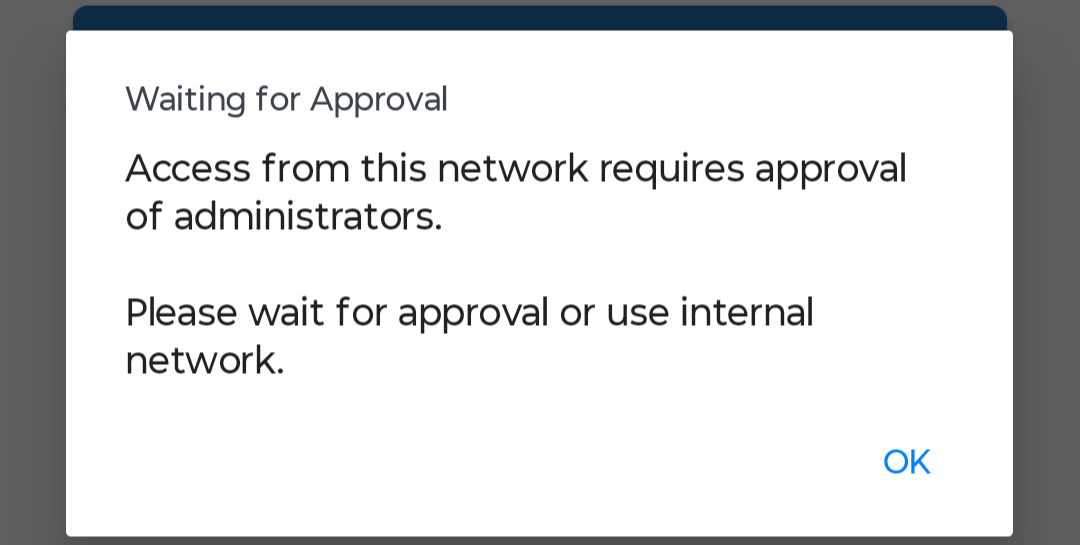
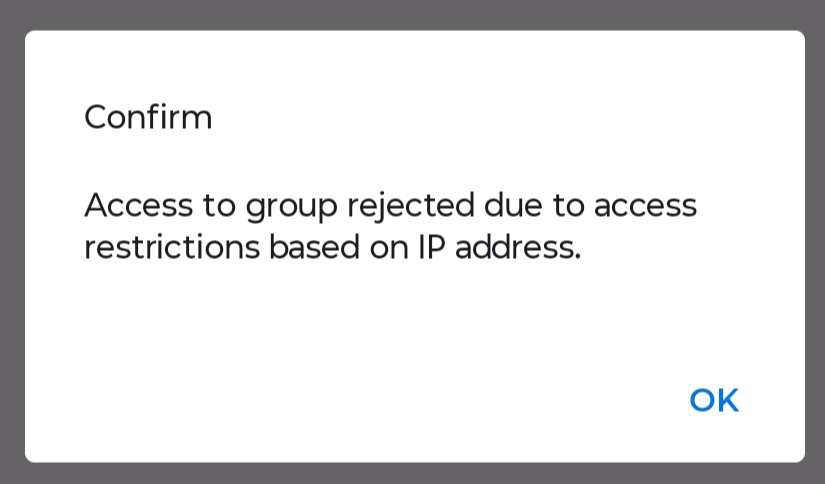
"Awaiting Access Approval" or "Access Restricted" message is displayed
Cause
- You are accessing from a network that is not permitted due to the group IP restriction.
- You are accessing from a mobile device that is not permitted due to the access approval management feature.
How to Resolve
-
Connect to a permitted network
Please check with your company's group administrator or sub-administrator to find out which networks are permitted.
If you connect from a permitted network, you can access even from an unapproved device.
-
Ask your administrator to approve or permit your device
Please consult your company's group administrator or sub-administrator to have access from your mobile app approved.
▼ About access approval management
https://help.teachme.jp/hc/en-us/articles/900005509126
▼ Applying to use the app on external networks (mobile app)
https://teachme.jp/8/manuals/38342367
▼ Manually registering, editing, and deleting identification codes (web browser version)
https://teachme.jp/8/manuals/9124481