When using Microsoft Edge, if you copy and paste a URL into a manual cover or step description, the text string (link title) may be pasted instead of the URL.
Example) When pasting the URL of the Teachme Biz Help Center
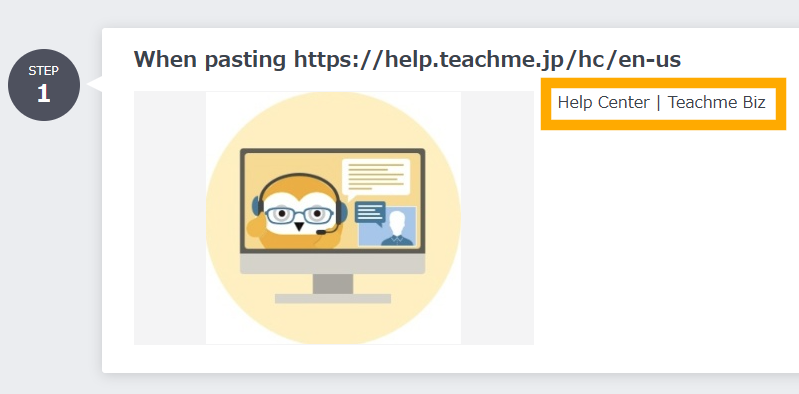
If a text string is pasted, please try the following steps to check whether the URL can be pasted correctly.
When copying and pasting using keyboard shortcuts
Instead of "Ctrl+V", please use "Ctrl+Shift+V" to paste.
When copying and pasting using the mouse
Instead of "Paste", please select "Paste as plain text" to paste.
Related: Improved copy and paste of URLs in Microsoft Edge (external site)
https://support.microsoft.com/ja-jp/microsoft-edge/microsoft-edge-%E3%81%AE-url-%E3%81%AE%E3%82%B3%E3%83%94%E3%83%BC%E3%81%A8%E8%B2%BC%E3%82%8A%E4%BB%98%E3%81%91%E3%82%92%E6%94%B9%E5%96%84%E3%81%97%E3%81%BE%E3%81%97%E3%81%9F-d3bd3956-603a-0033-1fbc-9588a30645b4