
Teachme Biz has a "clipboard feature" that temporarily stores manual steps. In this article, we will introduce convenient ways to use the "clipboard feature" with practical examples.
How to Use the "Clipboard Feature" in Teachme Biz
We will introduce specific ways to use the clipboard feature with practical examples.
Registering Frequently Used Images
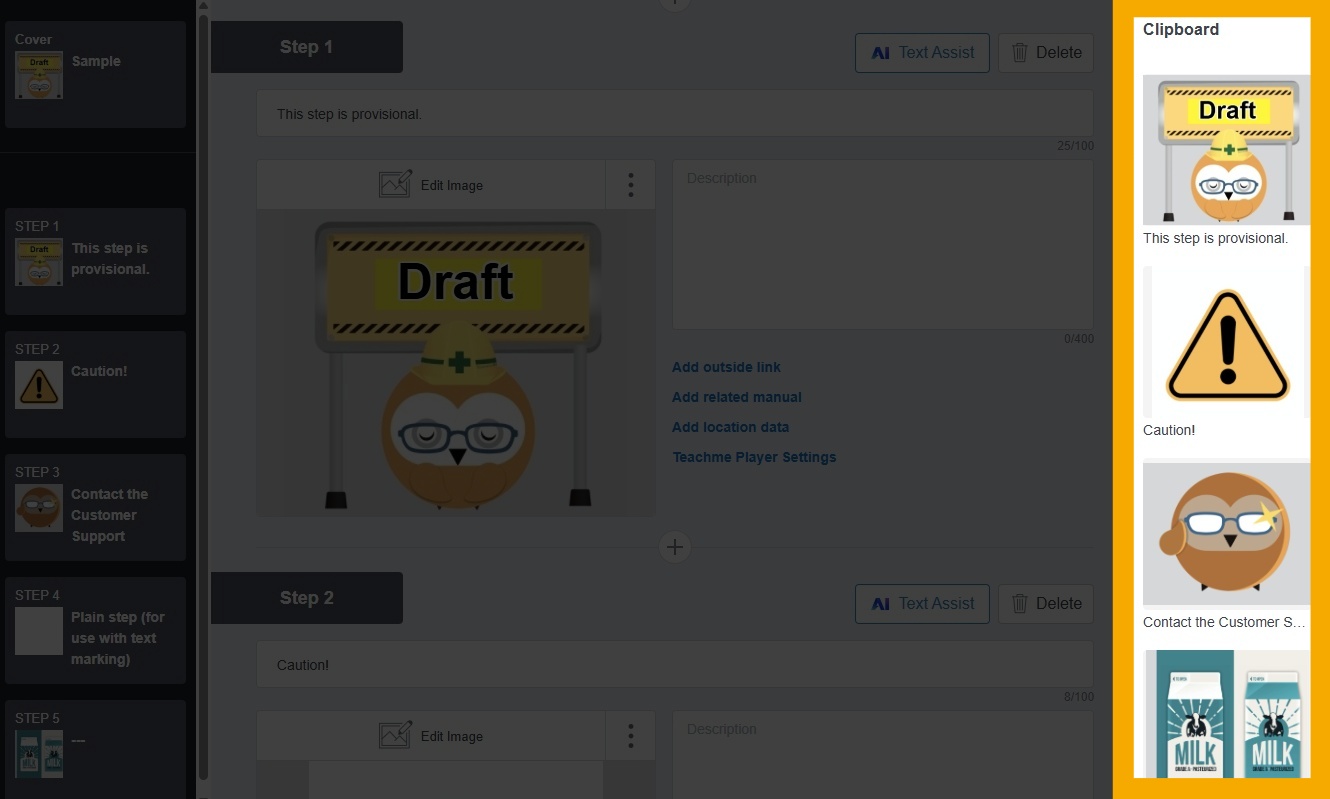
The clipboard can temporarily store steps, and you can also reuse images, titles, and descriptions directly in other manuals.
Saving images you frequently use is convenient when you want to quickly create a manual.
Here are some examples of steps that are useful to save in the clipboard.
1. Under Construction: Use when a manual or step is provisional
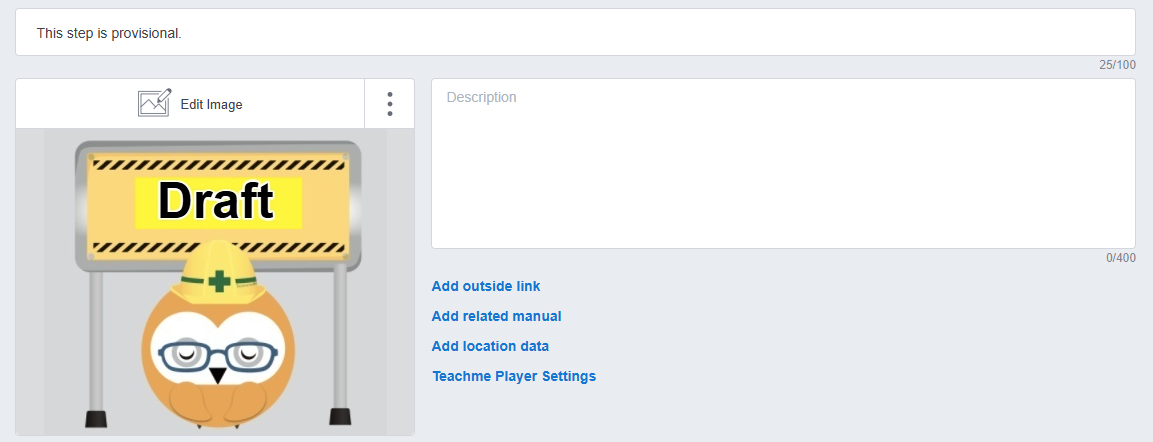
This can be used when images for a manual or step have not yet been taken, or when some of the workflow procedures are still provisional.
2. Caution: Use when you want to issue a warning before proceeding to the next step
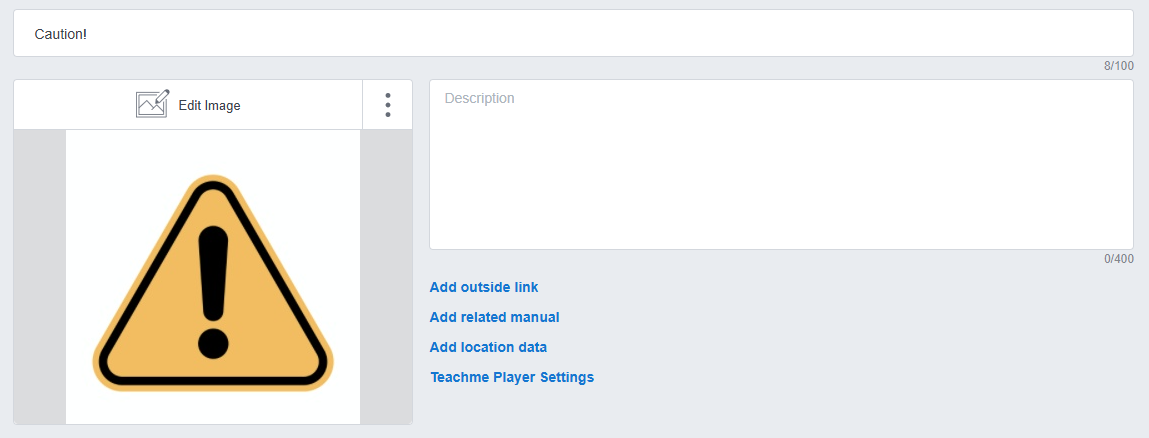
This can be used when there are points you want users to be careful about in relation to the steps before or after.
3. Use as a contact reference for questions about the manual
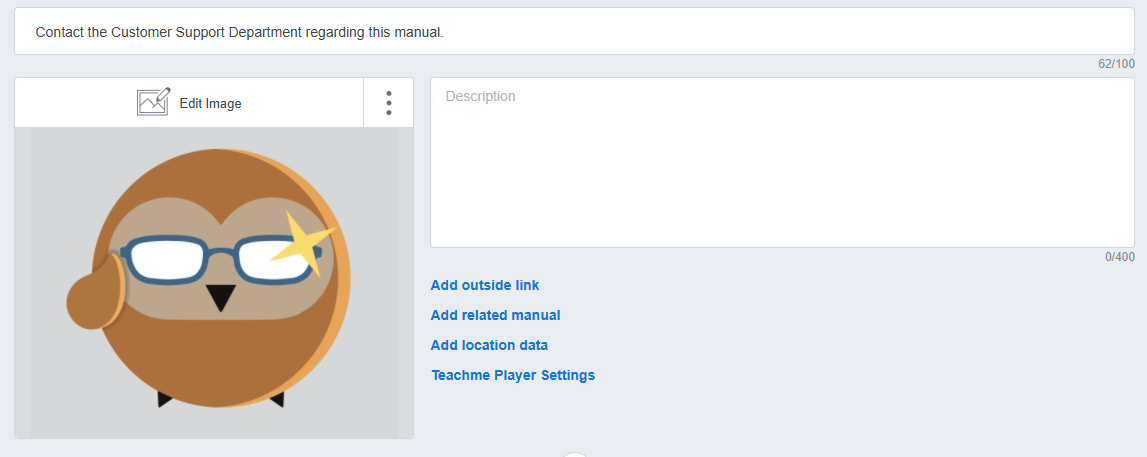
You can create a template for contact information where users can inquire about anything unclear in the manual.
4. Use as a plain image step for adding text
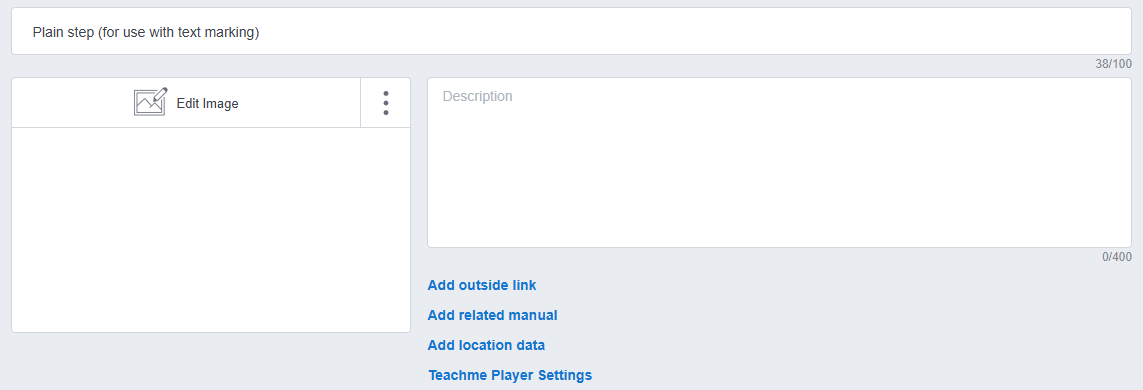
By intentionally registering a plain step, you can add text only when there is no step image available.
By registering images, titles, and text in the clipboard this way, you can quickly create steps without having to search for images when you want to build a manual fast.
Replacing Steps That Exist Across Multiple Manuals
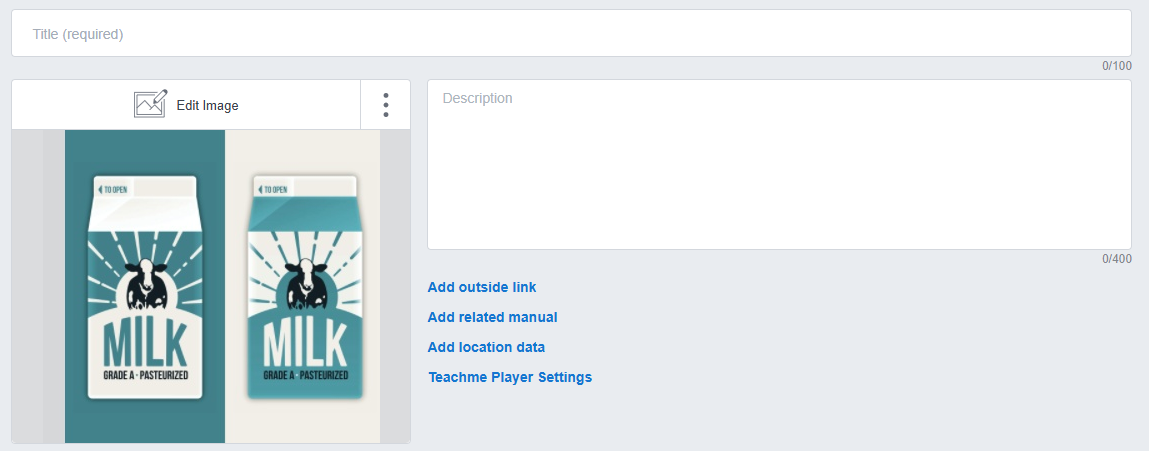
The clipboard can also be used when replacing similar steps that exist across multiple manuals.
For example, in retail, this could apply when a private-brand product's packaging design changes, or in the food and beverage industry, when plates change or plating methods are updated.
Improve Work Efficiency and Productivity with the Clipboard Feature
Never Create the Same Step Twice
Once you learn the basic operations of Teachme Biz — primarily registering images and entering text — you can create manuals easily and quickly.
By making use of the clipboard, you can create manuals even faster. Teachme Biz also has many other features hidden away to help you create manuals more quickly (well, not exactly hidden, but...).
How to Use the "Clipboard Feature" in Teachme Biz
For detailed instructions on how to use the "clipboard feature" in each Teachme Biz app, please refer to the online manuals below.
Summary
What did you think? By making good use of the "clipboard feature" in Teachme Biz, you can speed up the creation and updating of manuals, making it a great first step toward improving productivity. We encourage you to give it a try.