This can be done from the web Browser version.
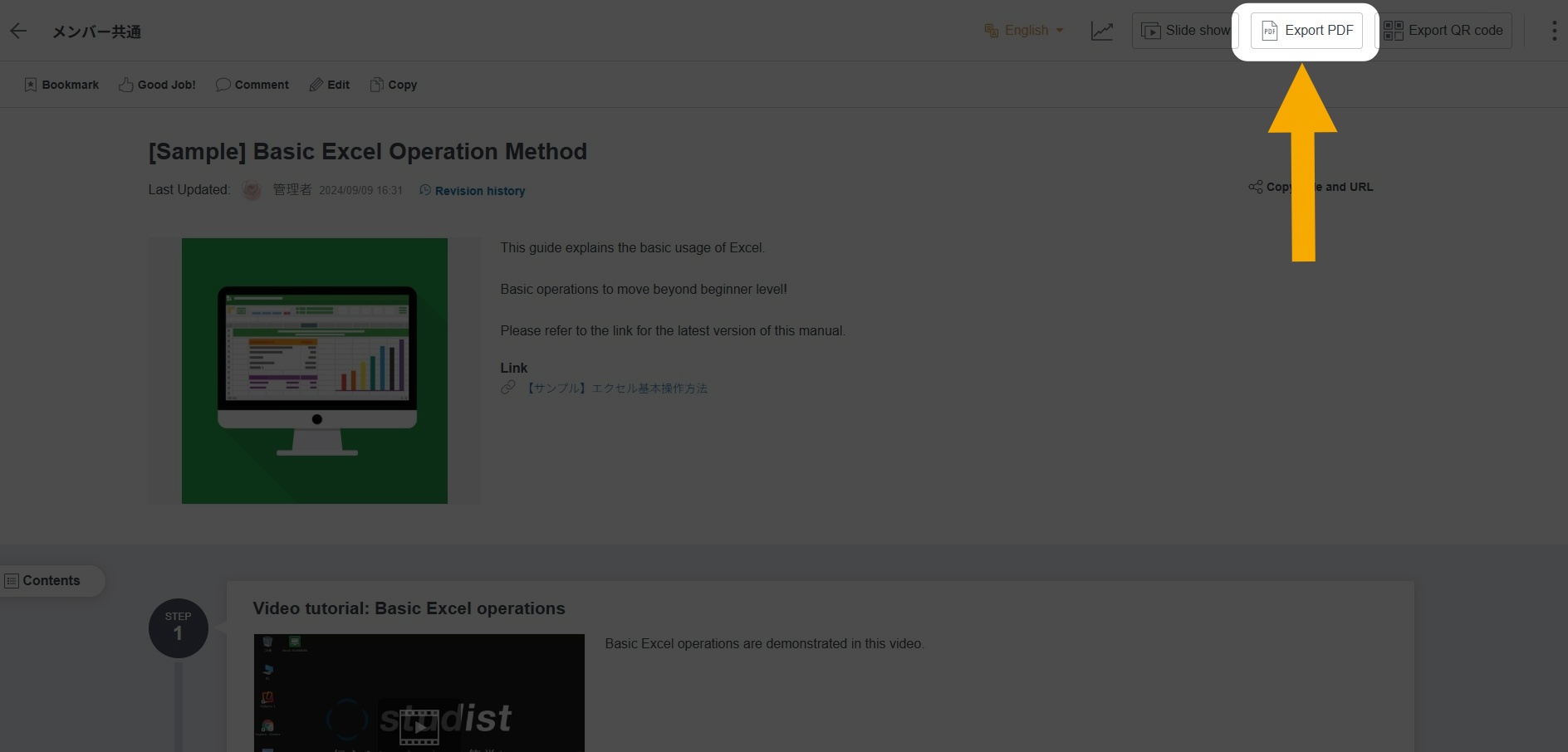
When the "Export PDF" button is displayed on the Manual viewing page
Click the "Export PDF" button to export.
If you want to print, export in PDF format first, then print the PDF.
▼Export manual as PDF file (Web Browser)
https://teachme.jp/8/manuals/9116792/
When the "Export PDF" button is not displayed on the Manual viewing page
Please ask your Administrator to enable the PDF export permission setting.
▼Enable or disable PDF export (Web Browser)
https://teachme.jp/8/manuals/9862315/
Notes and Additional Information
- You can also Export PDF from the Manual Preview screen.
- Videos cannot be exported as PDF.
- Multiple Manuals cannot be exported as PDF all at once.
- You can select the number of Steps per page, but no other formatting options can be changed.
- Depending on the image size, a gray background may appear when exporting to PDF.
For details, see here.
Related: Are there image sizes that do not produce margins when exporting to PDF?
https://help.teachme.jp/hc/en-us/articles/44136201904793 - Manuals shared from other Groups using the cross-Group Folder sharing feature cannot be exported as PDF.
Frequently Asked Questions
Q. Can I change (enlarge or reduce) the Text size of a Manual exported as PDF?
No, this is not possible.