Manual URL
Quick Reference
The behavior when opening a link in the mobile app is as follows.
Note that this behavior cannot be changed.
iOS App
| Manual links within the group | Other links | ||||
| Link registration location | Related Manuals |
External link | Description | External link | Description |
| List view screen | 1 | 1 | ー | 2 | 3 |
| Slideshow screen | 1 | 1 | 1 | 2 | 3 |
Android App
| Manual links within the group | Other links | ||||
| Link registration location | Related Manuals |
External link | Description | External link | Description |
| List view screen | 1 | 1 | ー | 3※ | 3 |
| Slideshow screen | 1 | 1 | 1 | 3※ | 3 |
1. Manual viewing screen
2. In-app browser
3. External browser
※If an external user accesses a publicly shared manual, screen 1. Manual viewing screen will open.
Related:
View Manuals (Mobile App)
https://teachme.jp/8/manuals/34125423
Portal Page URL
A portal page URL is the URL that displays the portal page detail screen.
The URL format is "http://teachme.jp/~~/portals/~~" regardless of whether you are using the web browser version or the mobile app.
Accessing a portal page URL from anywhere will launch the mobile app and display screen 4. Portal page detail screen.
※This applies to iOS app ver.6.3.1 and later, and Android app ver.6.3.1 and later.
Portal Page QR Code
Quick Reference
The behavior when opening a link in the mobile app is as follows.
This applies to both the "QR code scan" feature within the mobile app and scanning with the mobile device's camera.
Note that this behavior cannot be changed.
| QR code for the portal page itself |
QR code for a manual within a portal page |
QR code for an external link within a portal page |
|
| iOS app | 4 | 1 | 2 |
| Android app | 4 | 1 | 3 |
1. Manual viewing screen
2. In-app browser
3. External browser
4. Portal page detail screen
Related: Scan QR code to access a manual (Mobile app)
https://teachme.jp/8/manuals/7104045
Content within Portal Pages
Quick Reference
The behavior when opening a link in the mobile app is as follows.
Note that this behavior cannot be changed.
※This applies to iOS app Version 5.8.2 and later, and Android app Version 5.9.0 and later.
| Manual links | Links other than manuals | |
| iOS app | 1 | 2 |
| Android app | 1 | 3 |
1. Manual viewing screen
2. In-app browser
3. External browser
Related: Export a list of QR codes for content in Potal Pages to PDF (Web Browser)
https://teachme.jp/8/manuals/24665729
Folder URL
A folder URL is the URL that displays the folder list.
Folder URLs come in the following formats.
① Web browser version URL
Folder URL: https://teachme.jp/~~/folders/~~/manuals
Subfolder URL: https://teachme.jp/~~/folders/~~/sub_folders/~~/manuals
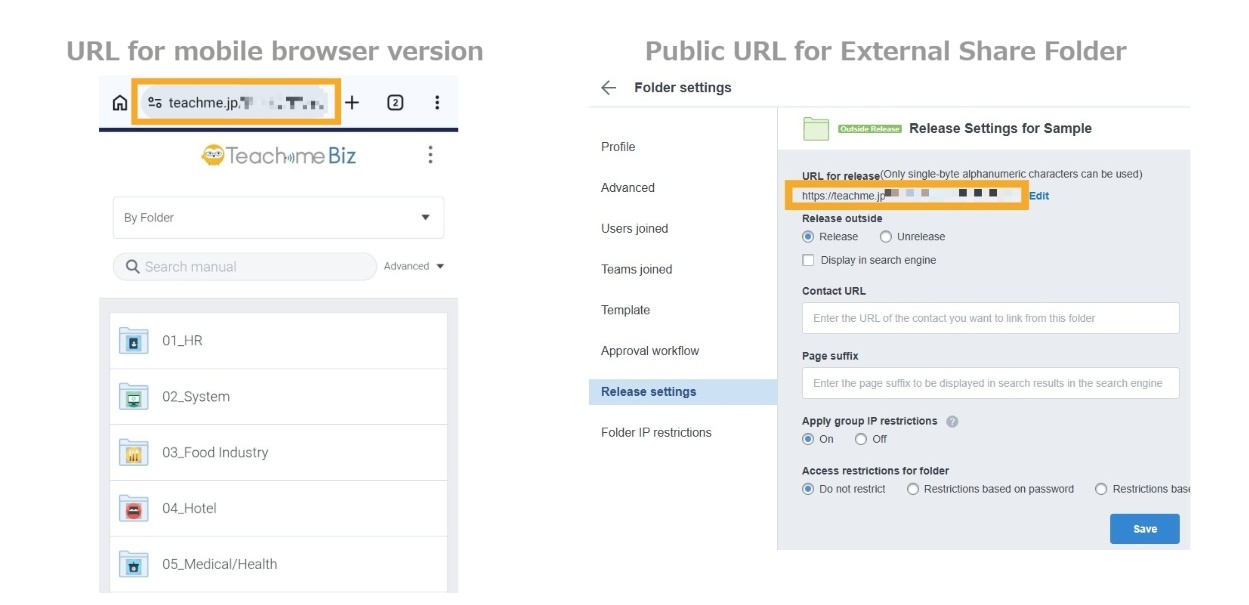
② Mobile browser version URL / Public URL for externally shared folders
Folder URL: https://teachme.jp/~~/f/~~
Subfolder URL: https://teachme.jp/~~/f/~~/sf/~~
The mobile app will launch regardless of which URL is used.
※The iOS app must be updated to ver.6.9.2 or later, and the Android app to ver.6.3.1 or later.
Quick Reference
The behavior when opening a link in the mobile app is as follows.
"QR code" applies to both the "QR code scan" feature within the mobile app and scanning with the mobile device's camera.
Note that this behavior cannot be changed.
| Link / QR code | ||
| Folder URL | Subfolder URL | |
| In-app and external | 5 | 6 |
5. Folder list screen in external browser
6. Subfolder list screen in external browser
Related:
Scan QR code to access a manual (Mobile app)
https://teachme.jp/8/manuals/7104045
Find public folder URL for sharing (Web Browser)
https://teachme.jp/8/manuals/10279342
Visual Examples of Patterns 1 through 6
1. Example of opening in the Manual viewing screen
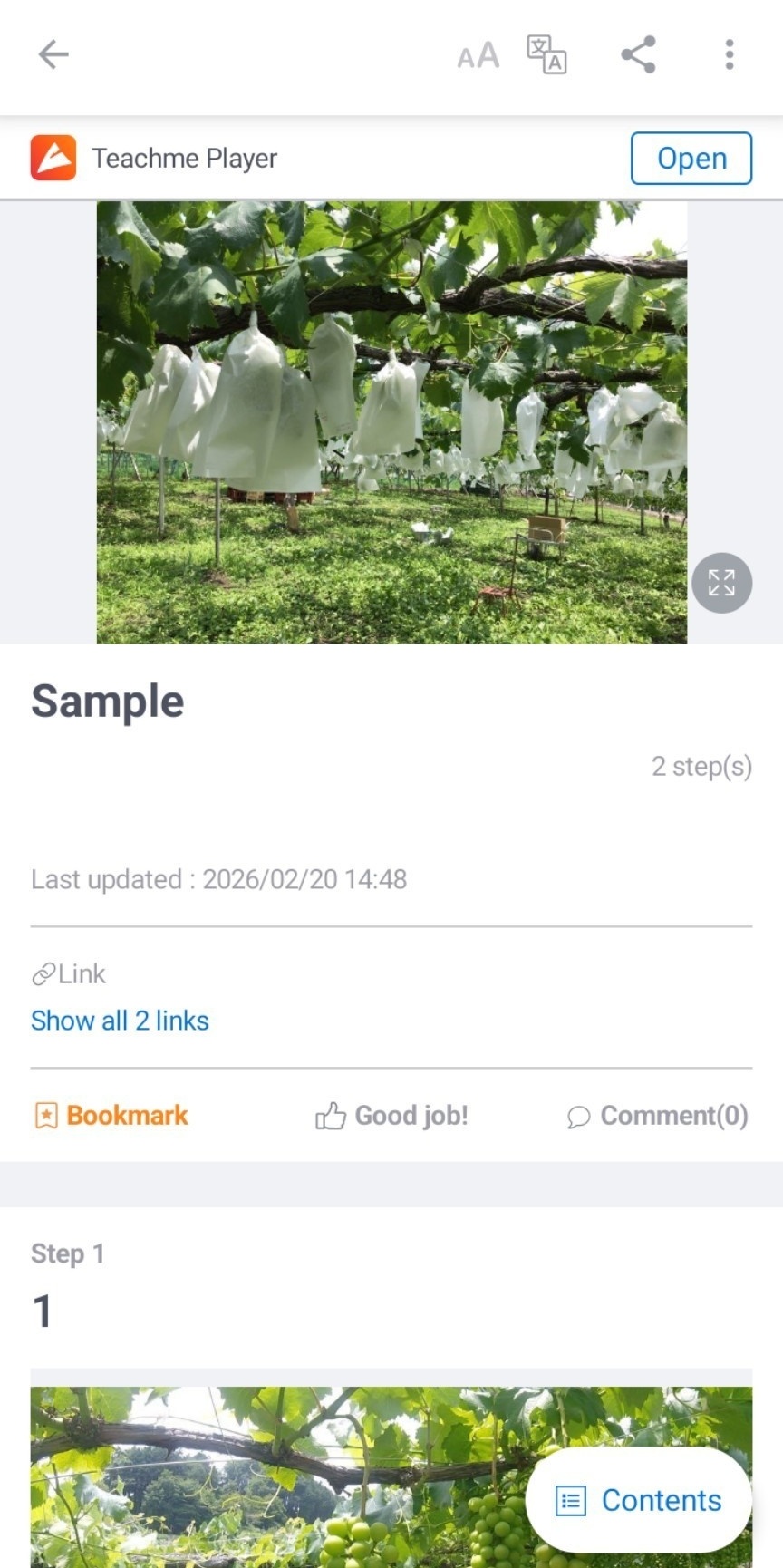
2. Example of opening in the In-app browser
When opened in the in-app browser, you cannot open additional links within the manual.
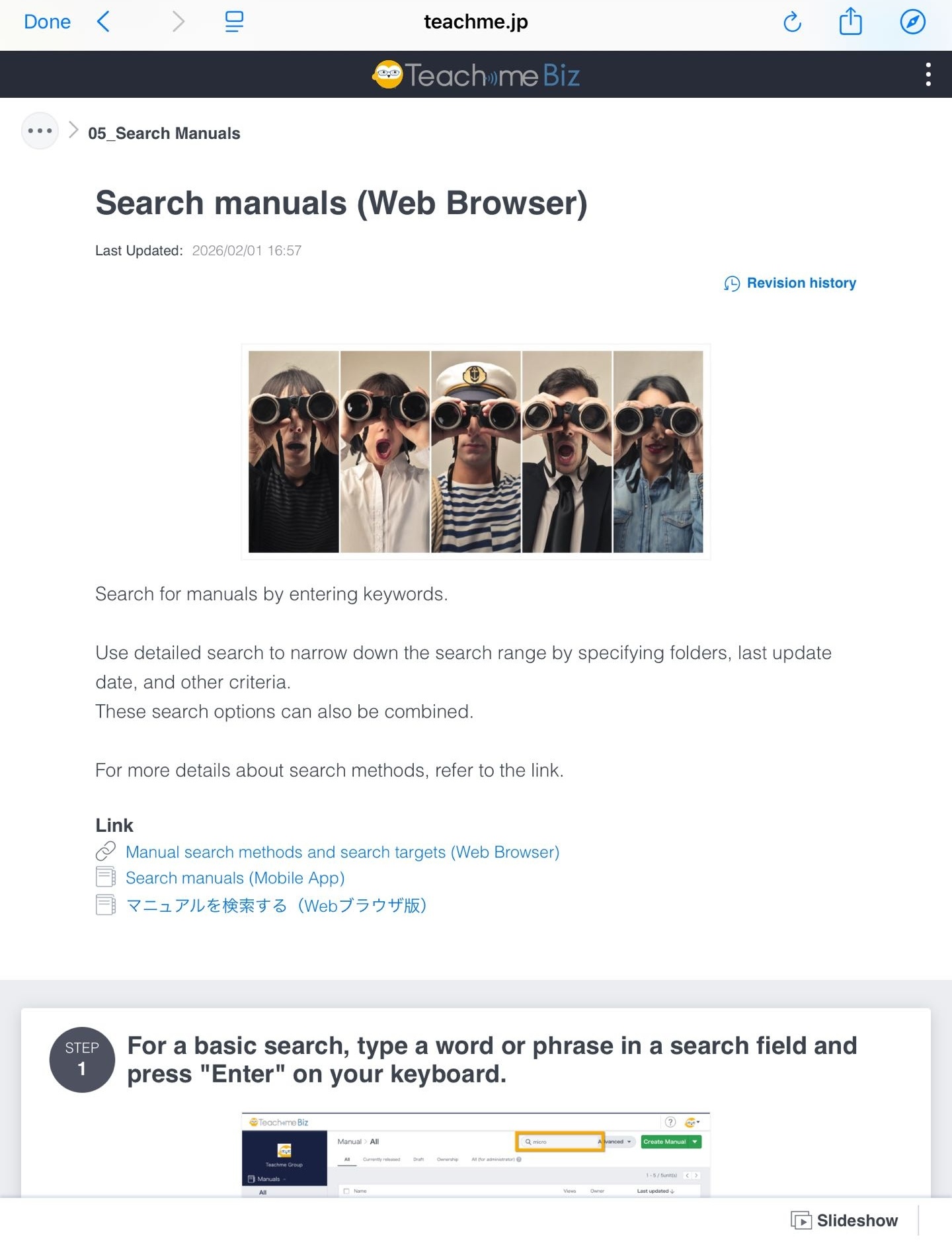
3. Example of opening in the External browser
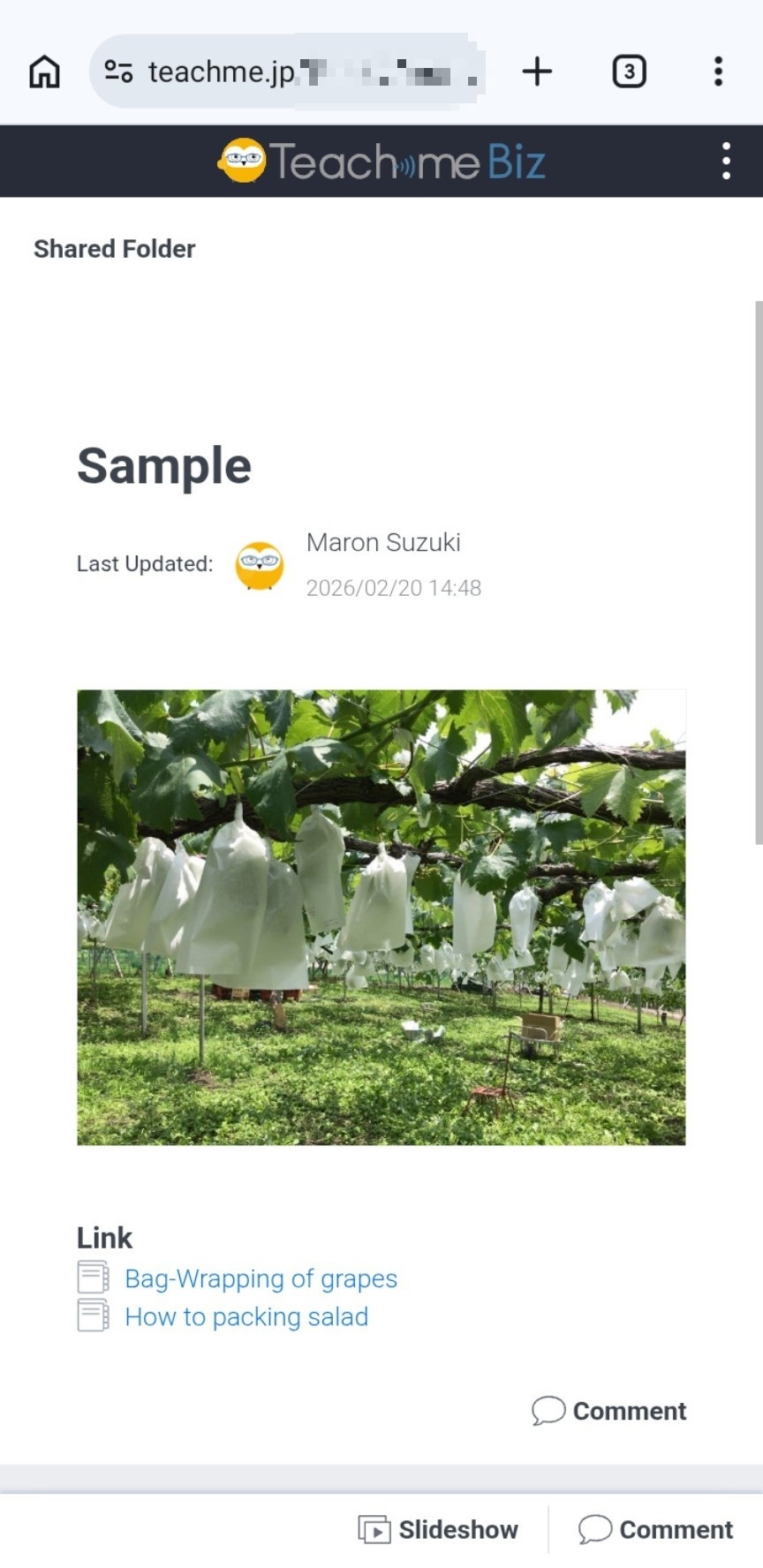
4. Example of opening in the Portal page detail screen
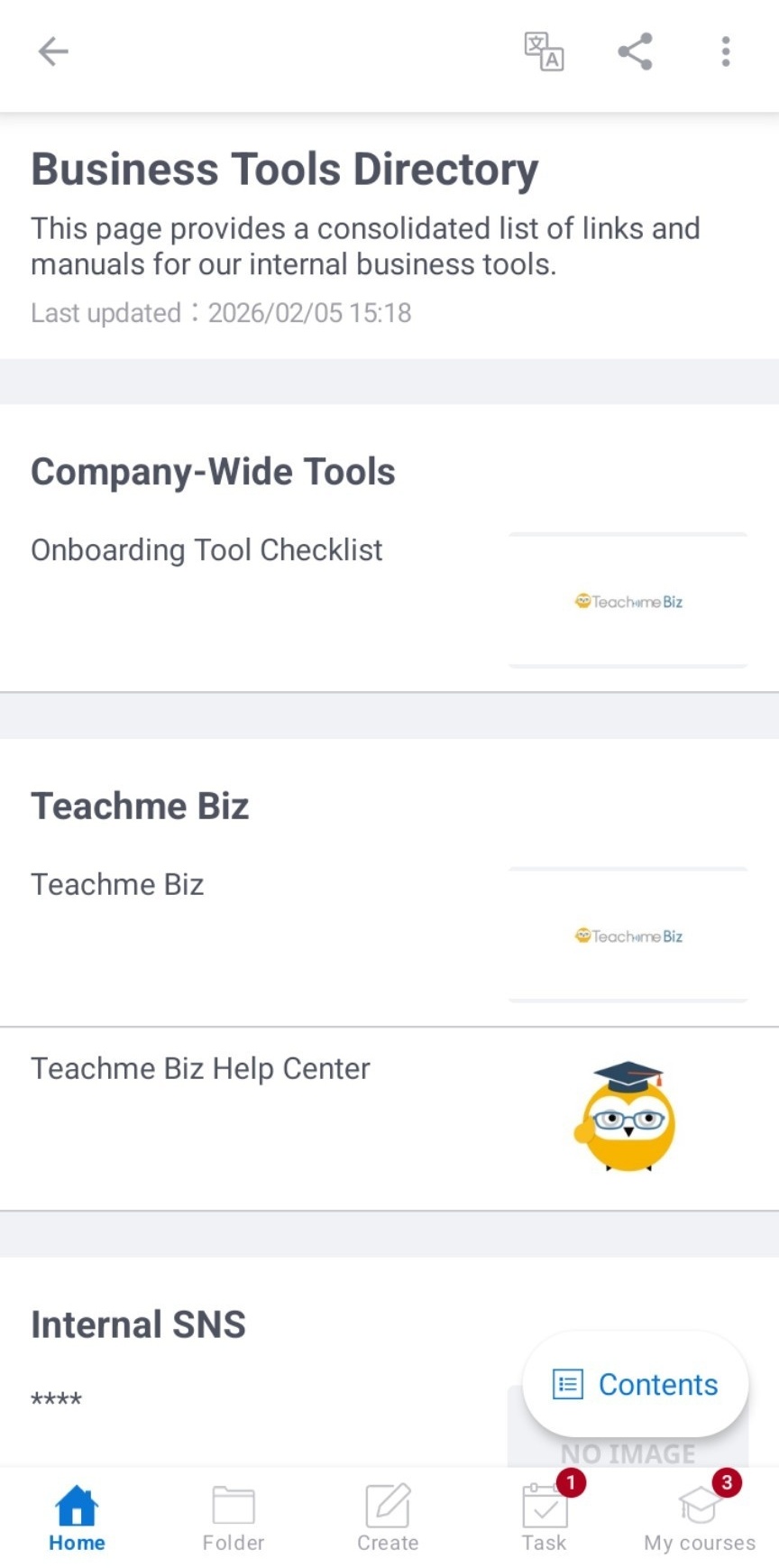
5. Example of opening the Folder list screen in the external browser
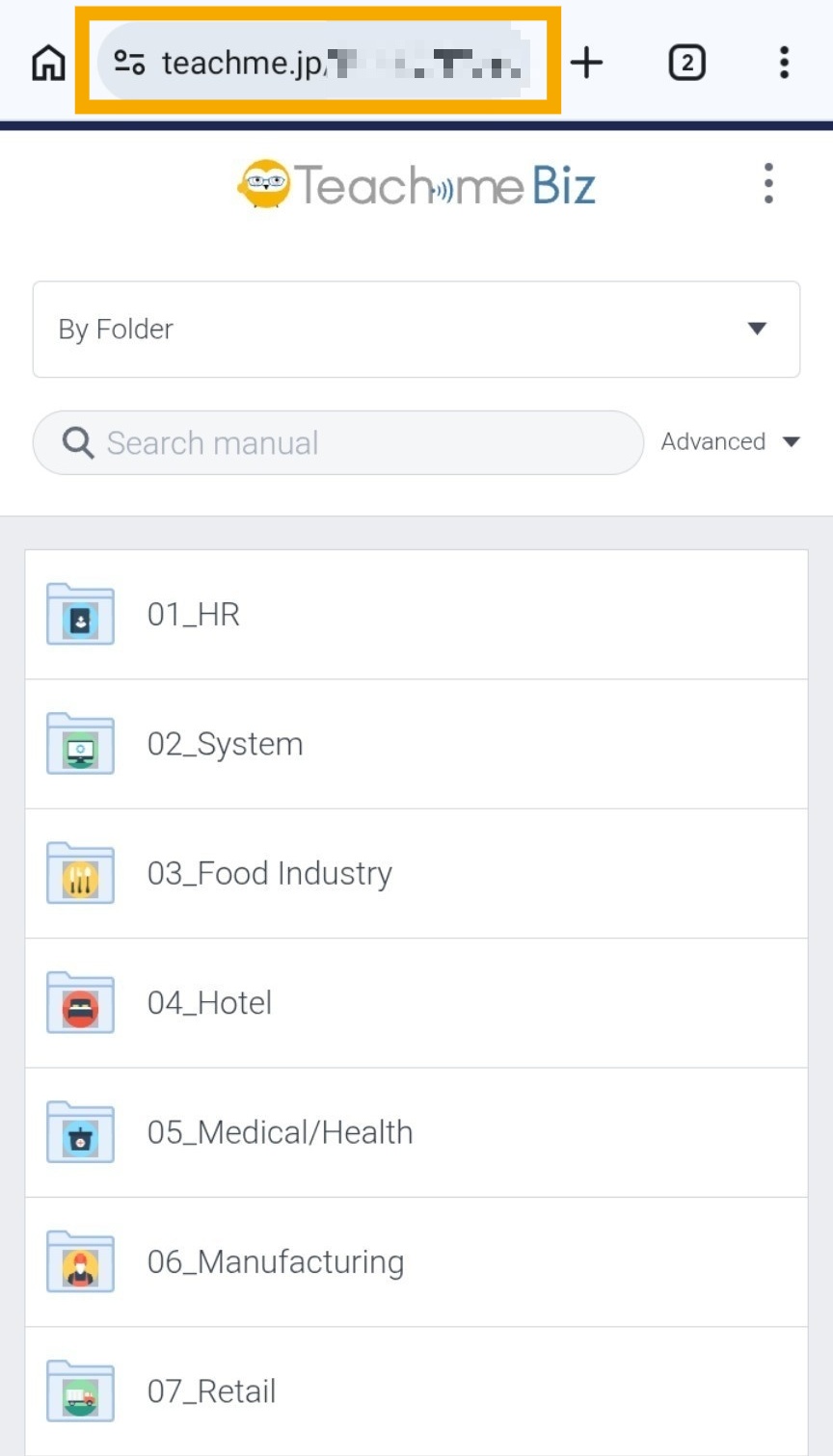
6. Example of opening the Subfolder list screen in the external browser
