Manual URL
Quick Reference
The behavior when opening links in the mobile app is as follows.
Note that this behavior cannot be changed.
iOS App
| Manual links within the Group | Other links | ||||
| Link registration location | Related Manual |
Outside Link | Description | Outside Link | Description |
| List view screen | 1 | 1 | - | 2 | 3 |
| Slideshow screen | 1 | 1 | 1 | 2 | 3 |
Android App
| Manual links within the Group | Other links | ||||
| Link registration location | Related Manual |
Outside Link | Description | Outside Link | Description |
| List view screen | 1 | 1 | - | 3※ | 3 |
| Slideshow screen | 1 | 1 | 1 | 3※ | 3 |
1. Manual viewing screen
2. In-app Browser
3. External Browser
※ If an external user accesses a Release Outside Manual, screen 1. Manual viewing screen will open.
Related:
View Manuals (Mobile App)
https://teachme.jp/8/manuals/34125423
Portal Page URL
The portal page URL is the URL that displays the portal page detail screen.
The URL format is "http://teachme.jp/~~/portals/~~" regardless of whether it is accessed from the web Browser version or the mobile app.
Accessing the portal page URL from anywhere will launch the mobile app and display 4. Portal page detail screen.
※ This applies to iOS app and Android app ver.6.3.1 and later.
Portal Page QR Code
Quick Reference
The behavior when opening links in the mobile app is as follows.
This applies to both the "QR code scan" feature within the mobile app and scanning with the mobile device's camera.
Note that this behavior cannot be changed.
| QR code of the portal page itself |
QR code of a Manual within the portal page |
QR code of an Outside Link within the portal page |
|
| iOS App | 4 | 1 | 2 |
| Android App | 4 | 1 | 3 |
1. Manual viewing screen
2. In-app Browser
3. External Browser
4. Portal page detail screen
Related: Scan QR code to access a manual (Mobile app)
https://teachme.jp/8/manuals/7104045
Contents within the Portal Page
Quick Reference
The behavior when opening a link in the mobile app is as follows.
Note that this behavior cannot be changed.
※This applies to iOS app Version 5.8.2 and later, and Android app Version 5.9.0 and later.
| Manual Link | Non-Manual Link | |
| iOS App | 1 | 2 |
| Android App | 1 | 3 |
1. Manual viewing screen
2. In-app Browser
3. External Browser
Related: Export a list of QR codes for content in Portal Pages to PDF (Web Browser)
https://teachme.jp/8/manuals/24665729
Folder URL
A Folder URL is a URL that displays the folder list.
Folder URLs have the following formats.
① Web Browser version URL
Folder URL: https://teachme.jp/~~/folders/~~/manuals
Sub-folder URL: https://teachme.jp/~~/folders/~~/sub_folders/~~/manuals
② Mobile browser version URL / URL for release of Folder released outside
Folder URL: https://teachme.jp/~~/f/~~
Sub-folder URL: https://teachme.jp/~~/f/~~/sf/~~
The mobile app will launch regardless of which URL is used.
※The iOS app must be updated to ver.6.9.2 or later, and the Android app to ver.6.3.1 or later.
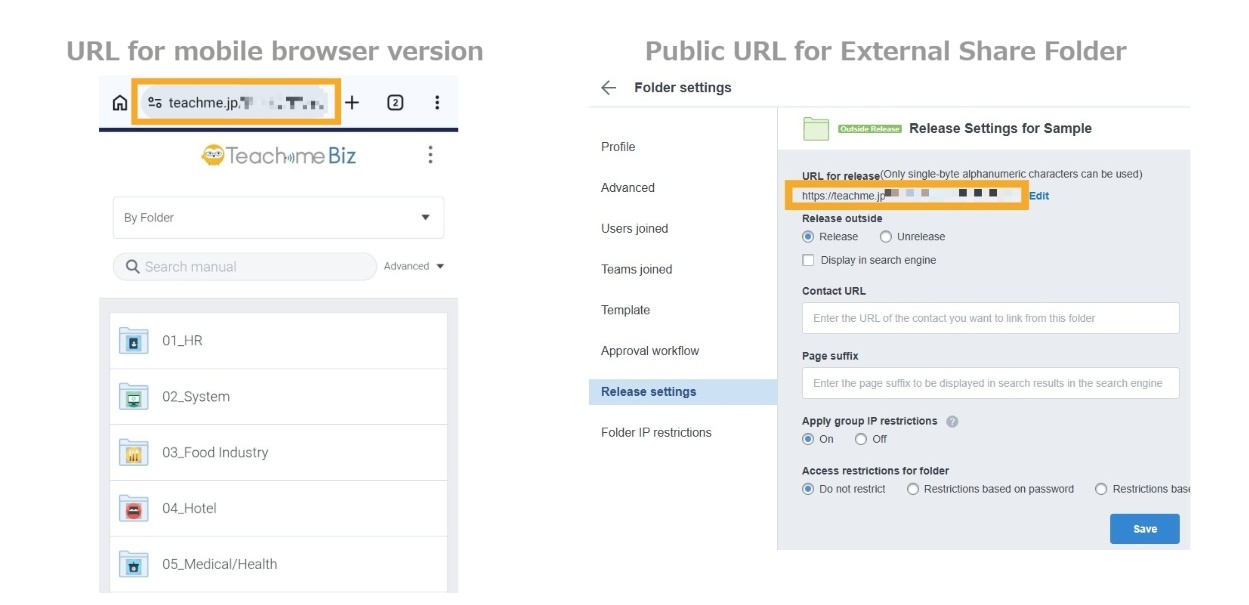
Quick Reference
The behavior when opening a link in the mobile app is as follows.
"QR code" applies to both the "QR code scanning" feature within the mobile app and scanning with the mobile device's camera.
Note that this behavior cannot be changed.
| Link / QR Code | ||
| Folder URL | Sub-folder URL | |
| Inside/Outside App | 5 | 6 |
5. Folder list screen in external Browser
6. Sub-folder list screen in external Browser
Related:
Scan QR code to access a manual (Mobile app)
https://teachme.jp/8/manuals/7104045
Find public folder URL for sharing (Web Browser)
https://teachme.jp/8/manuals/10279342
Visual Examples of Patterns 1 through 6
1. Example of opening in the Manual viewing screen
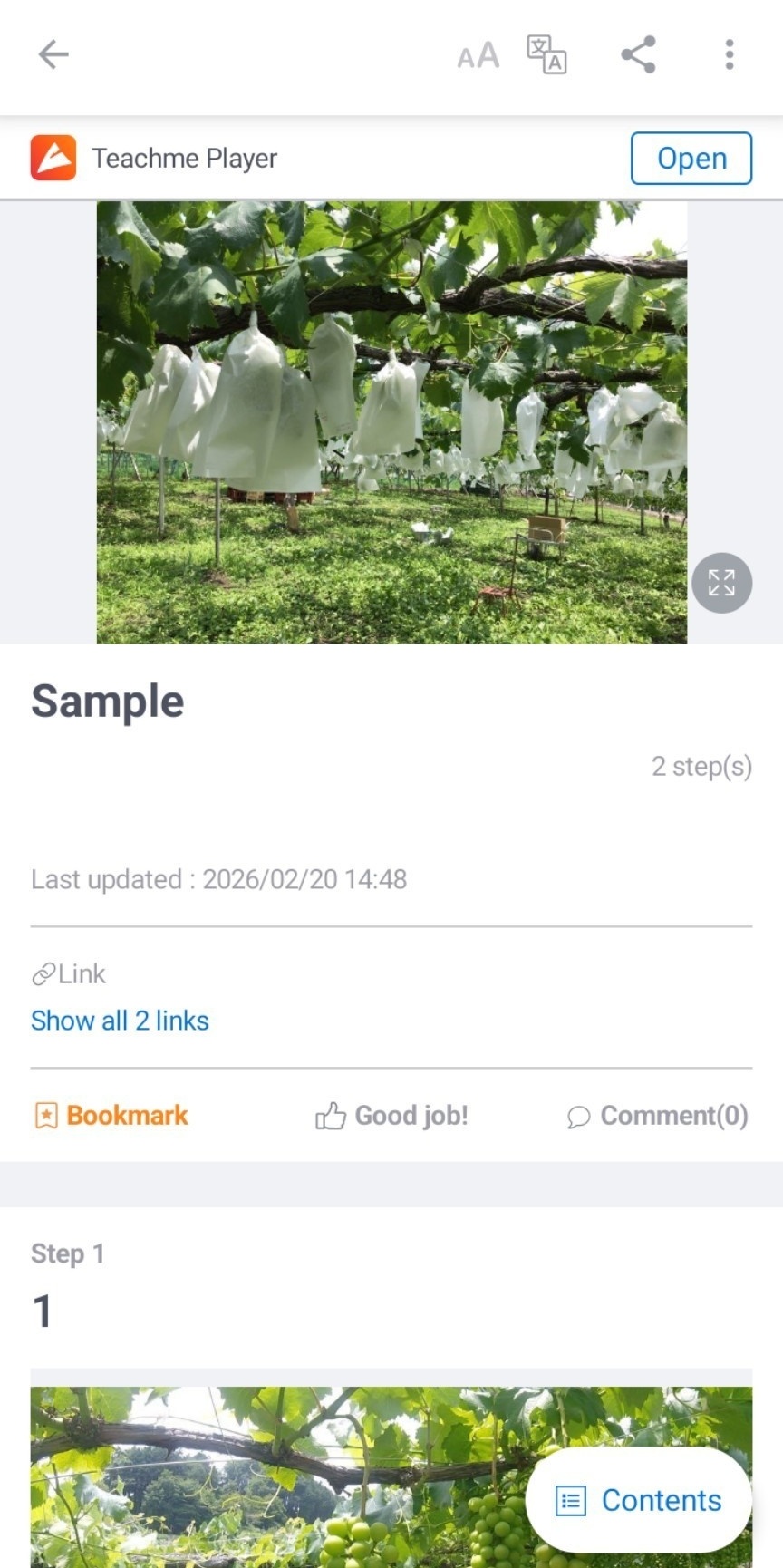
2. Example of opening in the in-app Browser
When opened in the in-app Browser, it is not possible to open another link within the Manual.
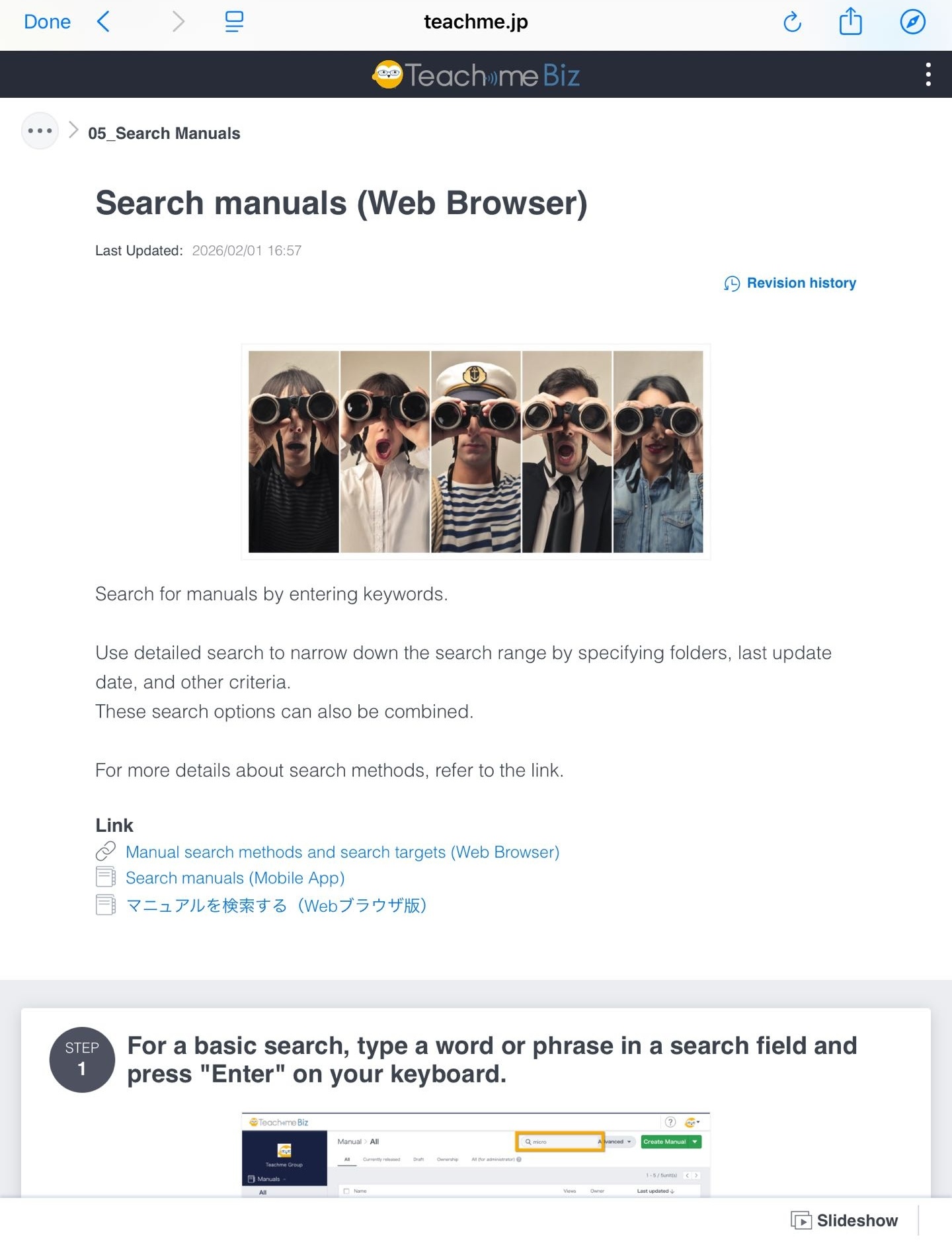
3. Example of opening in an external Browser
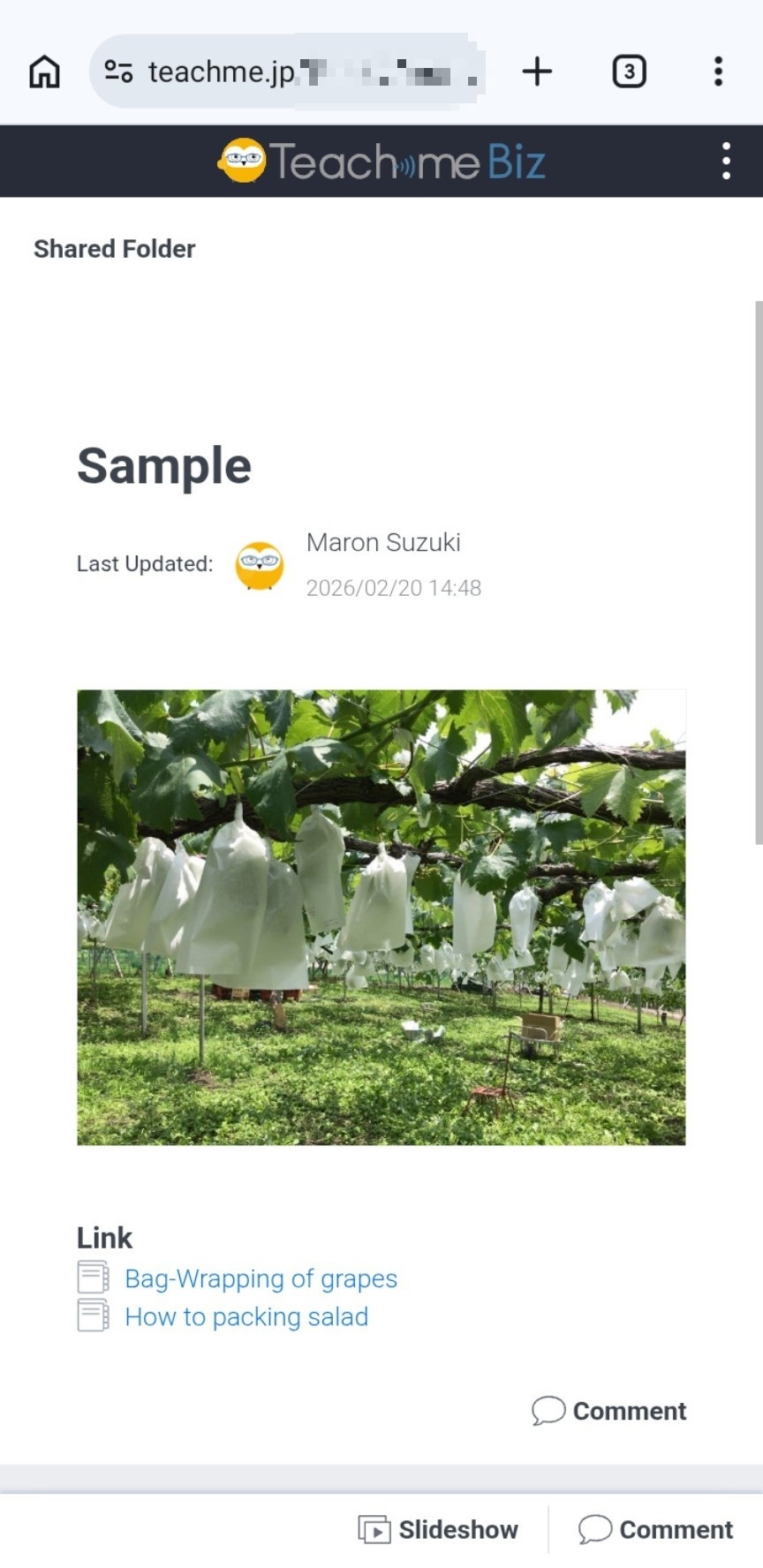
4. Example of opening in the Portal Page detail screen
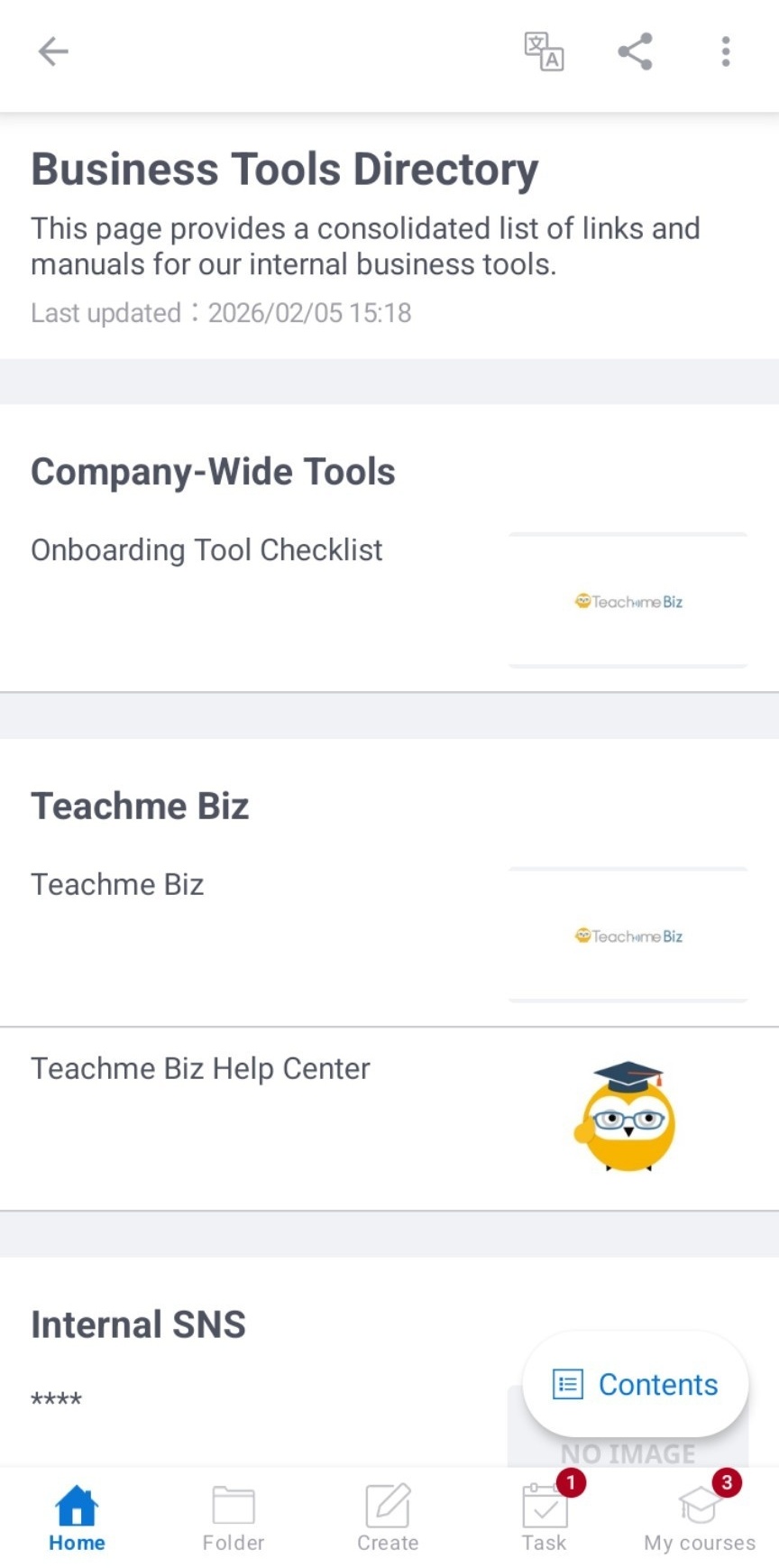
5. Example of opening the folder list screen in an external Browser
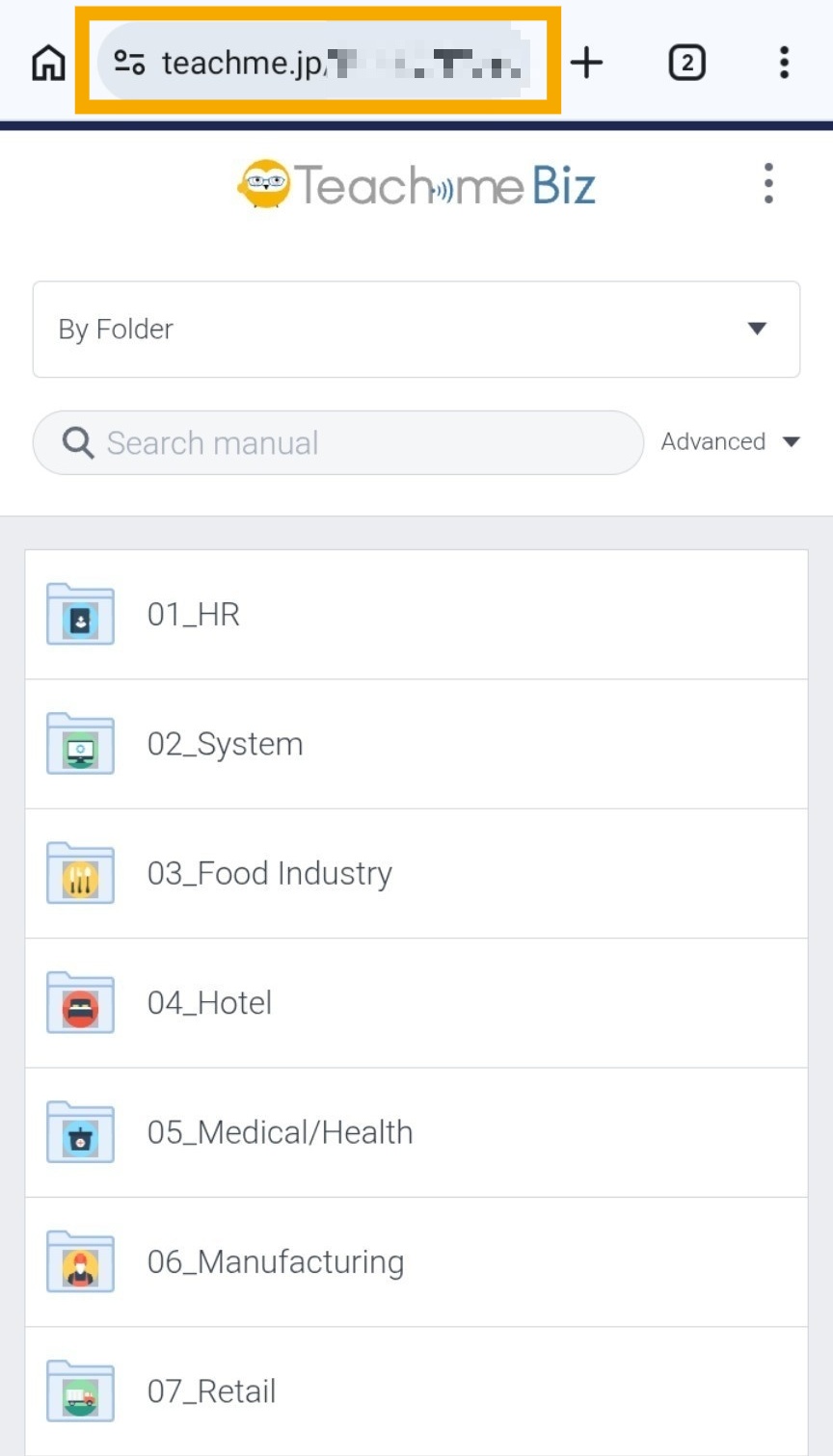
6. Example of opening the Sub-folder list screen in an external Browser
