Depending on the type of link, some open within the mobile app and others open in a Browser.
This behavior cannot be changed.
When tapping a link within the mobile app
This applies to links in a Manual's related Manuals, Outside Links, and description text, links within portal pages, and QR codes scanned using the mobile app's "QR Code Scan" feature.
The behavior is the same whether opened from the list view screen or the slideshow screen.
| Link | iOS App | Android App |
|---|---|---|
| A Manual in a Group you belong to | Opens in the Manual viewing screen | |
| Portal page | Opens in the portal page screen | |
| Folder / Sub-folder (*) | Opens in the Folder screen | |
| All other links | Opens in the in-app Browser Links within a Manual's description text only will open in an external Browser |
Opens in an external Browser |
* This applies to web browser version Folder URLs (https://teachme.jp/~~/folders/~~/manuals).
Mobile browser version Folder URLs and the URL for release of a Folder released outside (https://teachme.jp/~~/f/~~) open in the same way as "All other links."
When tapping a link from another app such as email or Chat
Links to a Manual, portal page, or Folder (web browser version Folder URL) will open in the mobile app.
The same applies when scanning a QR code with the device's camera.
All other links will open in a Browser.
Related:
When tapping a Manual URL on a mobile device, can I choose whether it opens in the app or a Browser?
https://help.teachme.jp/hc/en-us/articles/4406034621465
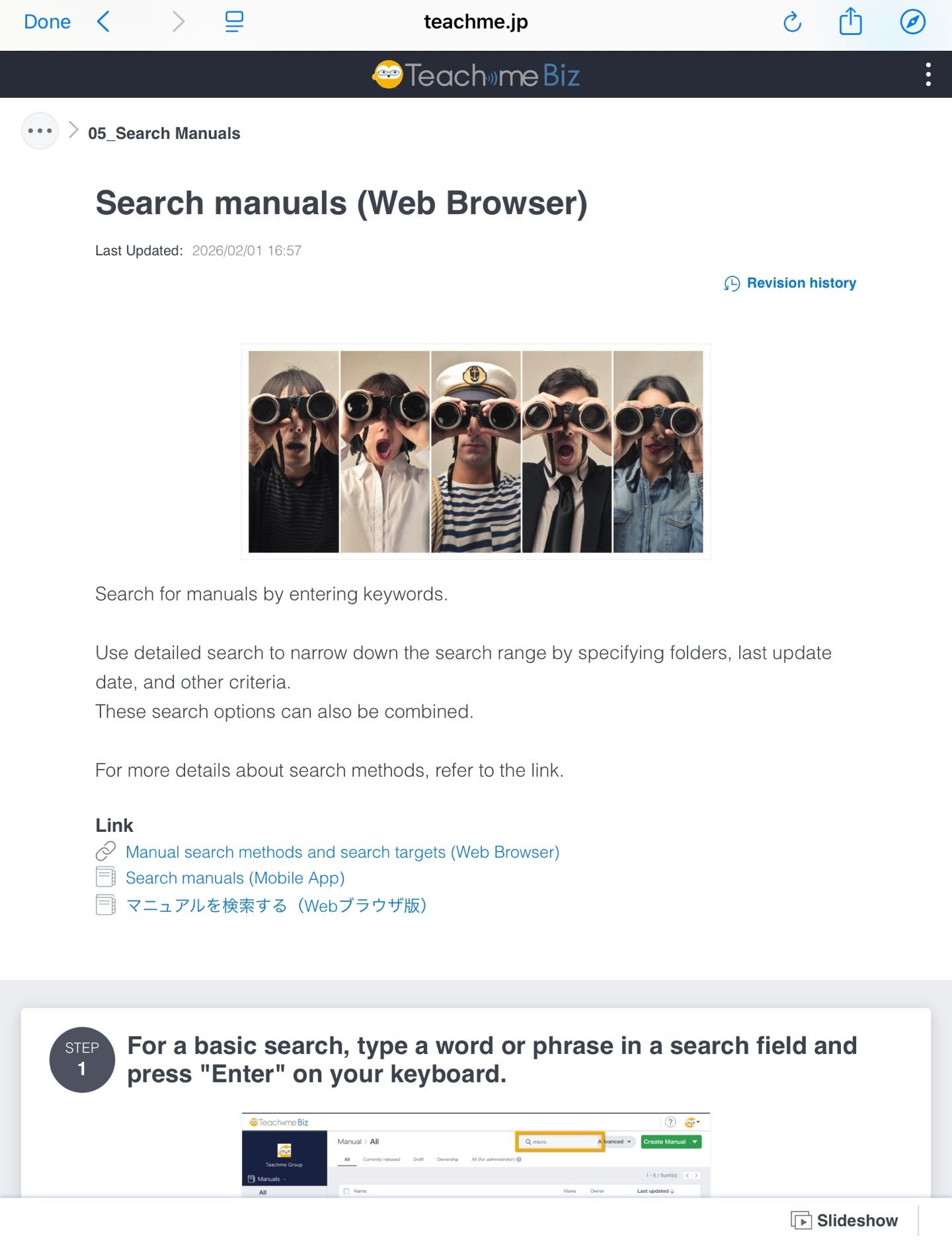
Difference between the in-app Browser and an external Browser
The in-app Browser opens on top of the mobile app screen.
When closed, you will return to the original Manual or portal page.
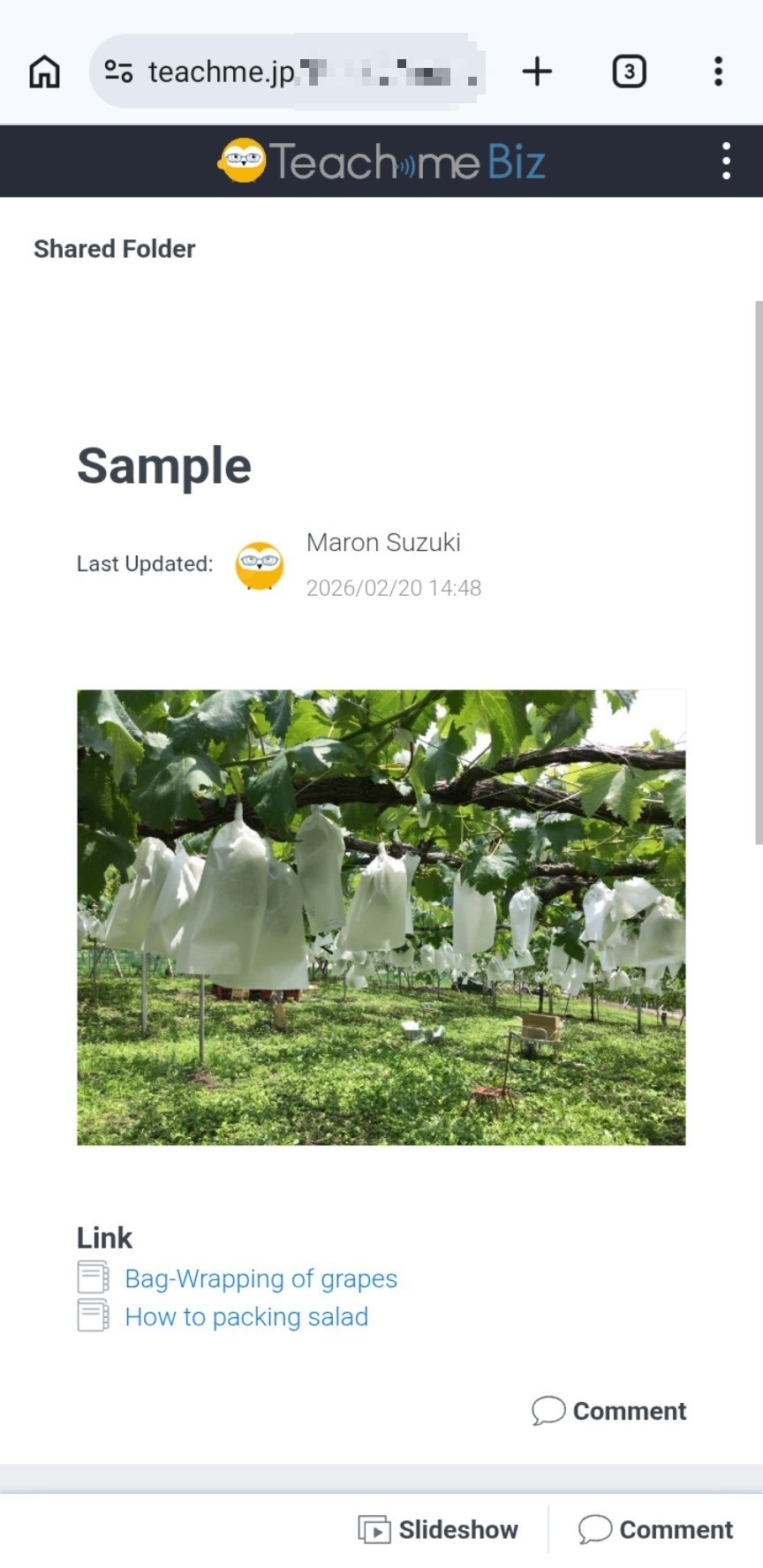
The external Browser switches to and opens in the device's browser app, such as Safari or Chrome.
To return to the mobile app, please switch back from the browser app to the mobile app.
Related:
View Manuals (Mobile App)
https://teachme.jp/8/manuals/34125423
Scan QR code to access a manual (Mobile app)
https://teachme.jp/8/manuals/7104045
Find public folder URL for sharing (Web Browser)
https://teachme.jp/8/manuals/10279342