This is not possible.
Please create a new folder of the type you want, and move the manuals within the folder.
▼Create folder (Web Browser)
https://teachme.jp/8/manuals/4929440
▼Change manual folder (Web Browser)
https://teachme.jp/8/manuals/4929397
Related: What is the difference between an internally shared folder and an externally shared folder?
https://help.teachme.jp/hc/en-us/articles/900007185943
If you do not want to publicly share manuals that have already been created in an externally shared folder, please set the folder to private.
Setting a folder to "Private"
By selecting "Private" under "External Sharing" in the "Sharing Settings" of the relevant folder, users who are not logged in will no longer be able to view the folder or the manuals within it.

▼Screen displayed when an external user clicks the folder URL while it is set to "Private"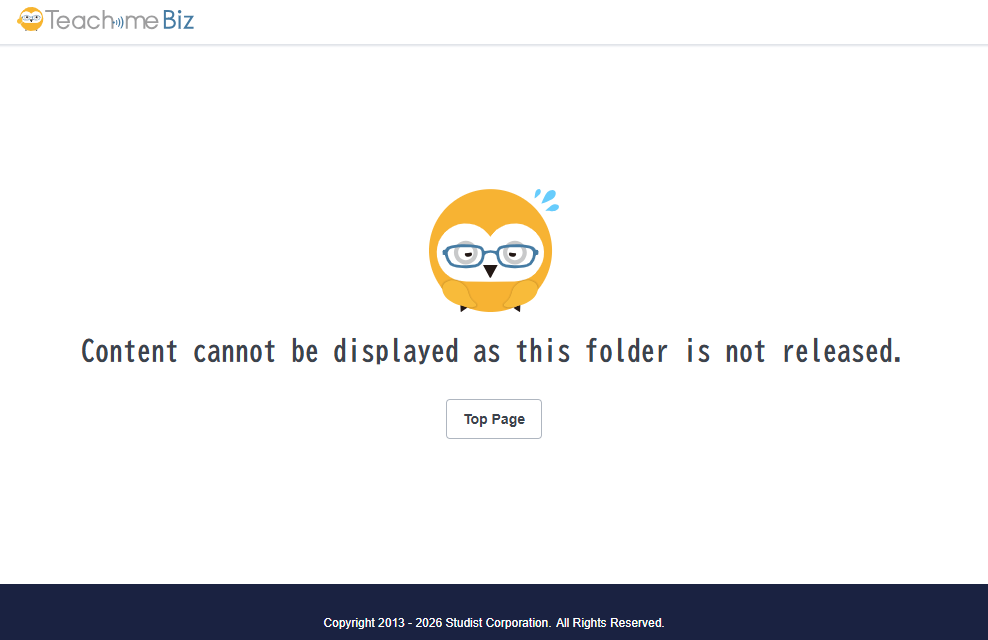
Please note that users who meet all of the following conditions will still be able to view the externally shared folder even if it is set to "Private".
- Logged into the group
- Participating in the folder
- Not subject to any viewing restrictions