This is not possible.
Please create a new folder of the type you want, and move the manuals inside the folder.
▼Create folder (Web Browser)
https://teachme.jp/8/manuals/4929440
▼Change manual folder (Web Browser)
https://teachme.jp/8/manuals/4929397
Related: What is the difference between an Internal folder and a Folder released outside?
https://help.teachme.jp/hc/en-us/articles/900007185943
If you have already published a manual in a Folder released outside and no longer want it accessible externally, please set the folder to Unrelease.
Setting a Folder to "Unrelease"
By selecting "Unrelease" under "Release Outside" in the "Release Settings" of the relevant folder, users who are not logged in will no longer be able to view that folder or the manuals within it.

▼Screen displayed when an external user clicks the folder URL while the folder is set to "Unrelease"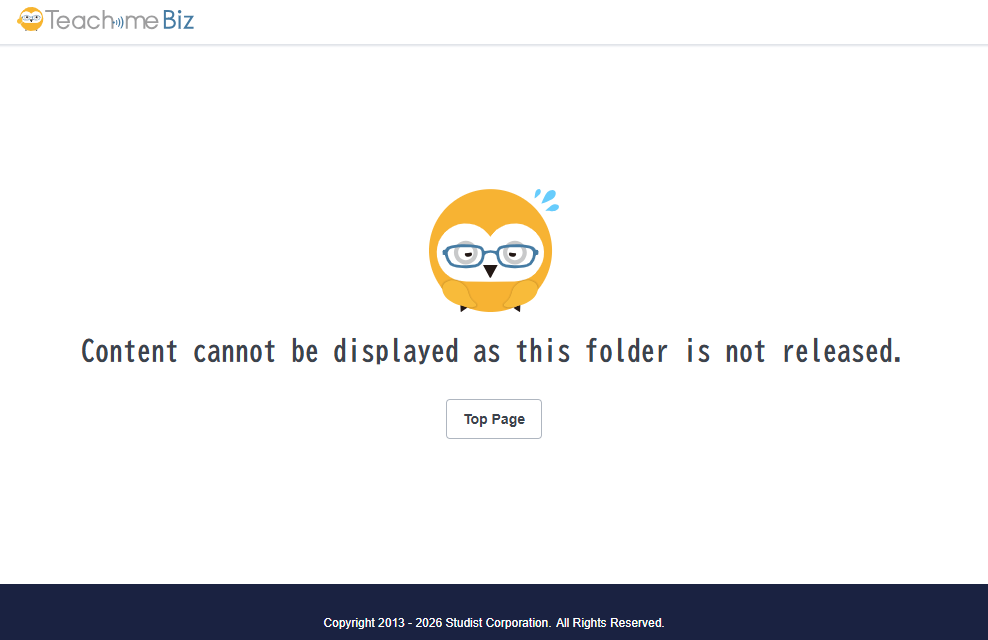
However, users who meet all of the following conditions will still be able to view the Folder released outside even when it is set to "Unrelease".
- Logged into the Group
- Joined the Folder
- No viewing restrictions have been applied